For desktop
Use MicNoter in your browser
Record, import and review your notes on any computer. Your account and notes stay in sync with the app.
AI note taker for meetings, lectures and voice notes
Record or import any conversation. Get a transcript, a short summary, the decisions and the next steps, and ask questions whenever you need the details.
How it works
Record in the app or your browser, or bring audio, video, PDFs, documents and YouTube links.
A timestamped transcript, a short overview, decisions and action items, filed in folders you can search.
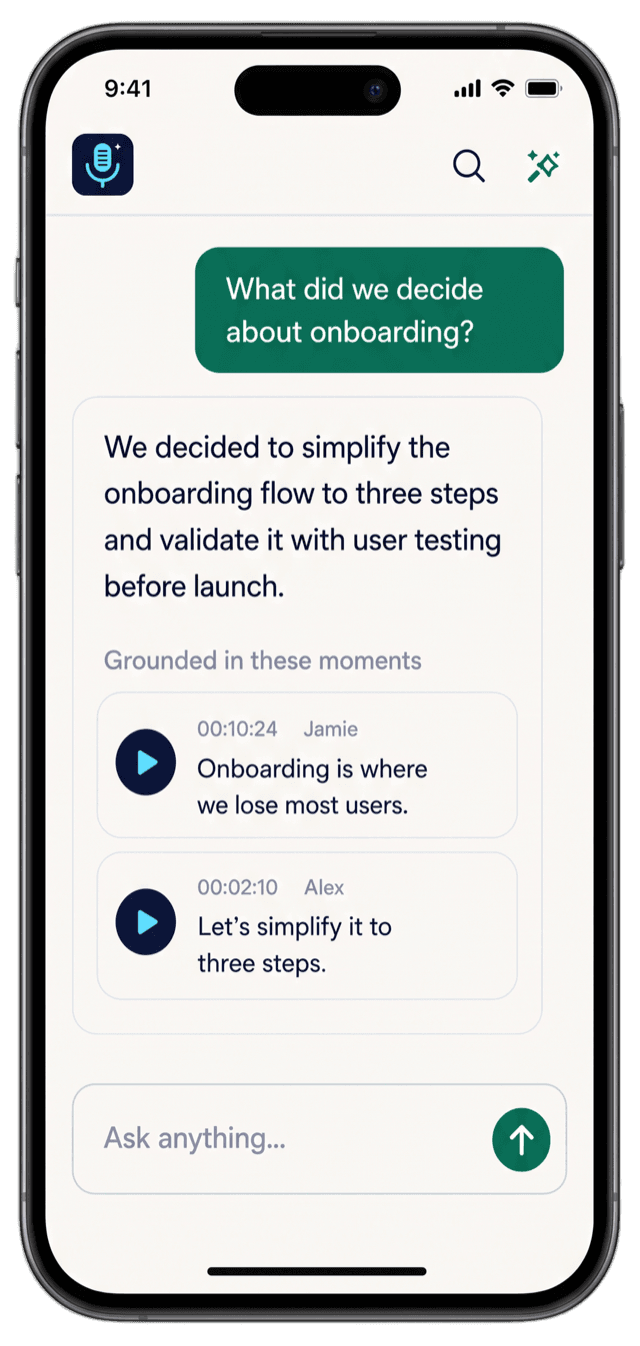
Ask the note anything. Each answer points to the moments in the conversation it came from.
Features
Everything happens after you press record, so you can keep your attention on the people in the room.
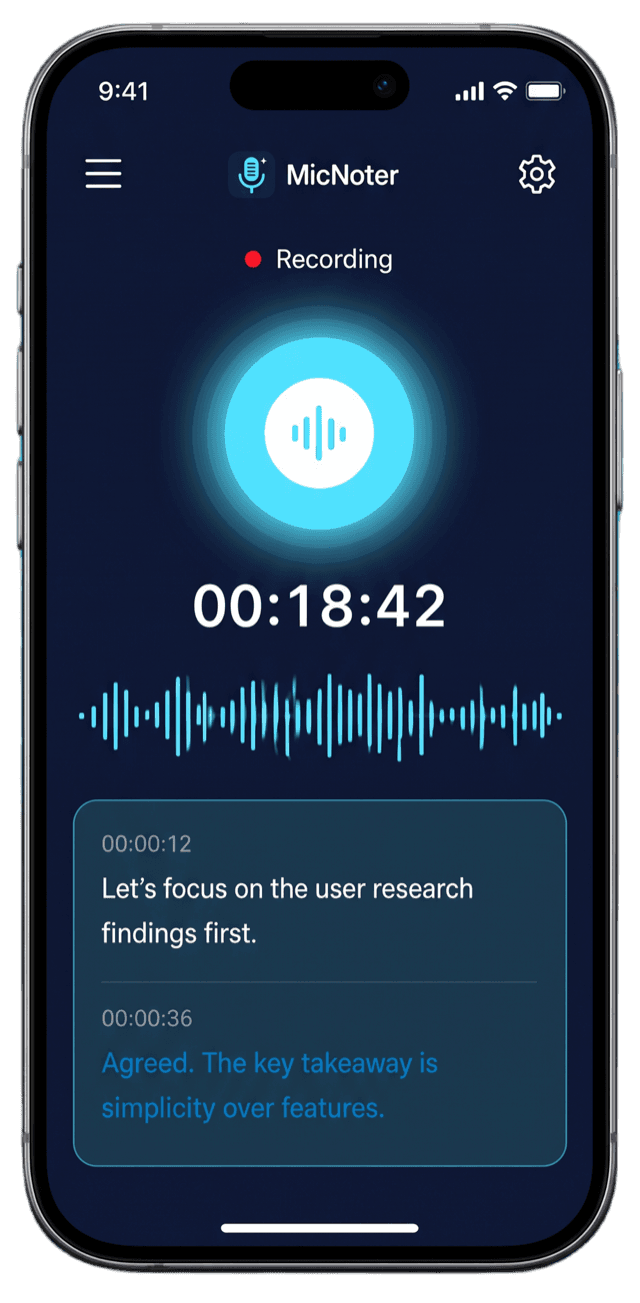
Capture meetings, classes and interviews from your phone or your computer.
On the web, record a meeting tab with its audio. Nothing joins your call.
Audio and video files, PDFs, documents and YouTube links become notes too.
Every line is timestamped, so you can find the moment and hear it again.
Key takeaways, decisions and action items, ready when processing ends.

Chat with a note and see which moments each answer is based on.
Turn a lecture into a quiz or a deck of flashcards to review.
Read a conversation side by side in another language.
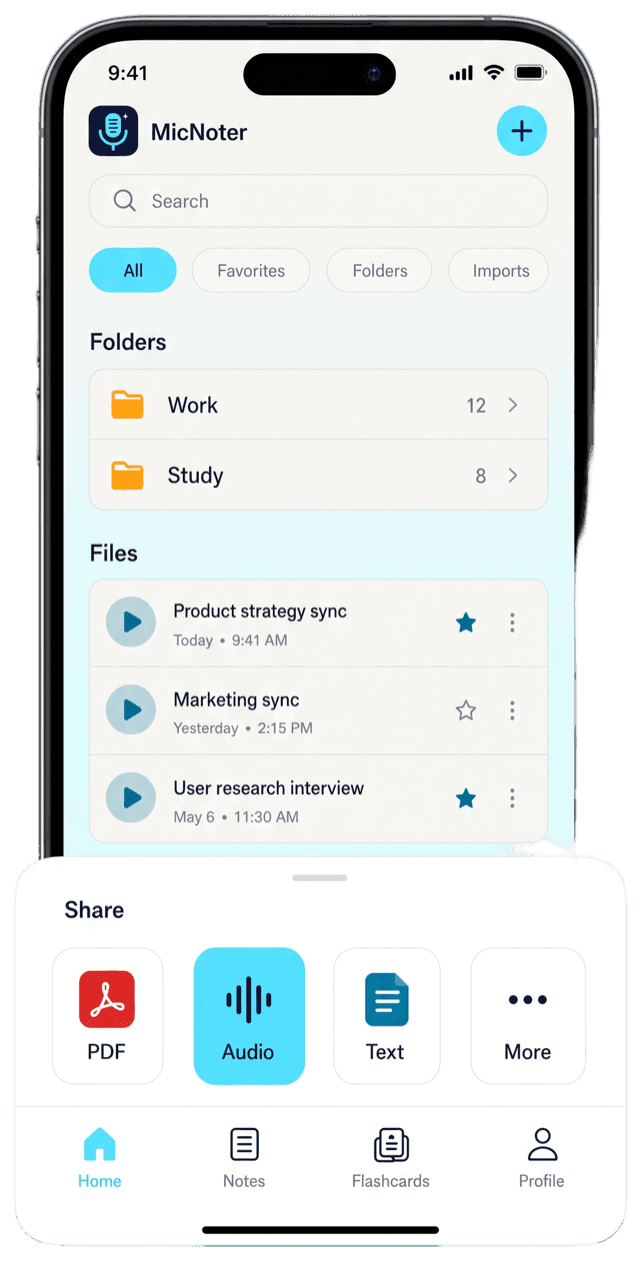
Folders, favorites and search. Export to PDF, Word, Markdown or text.
Made for
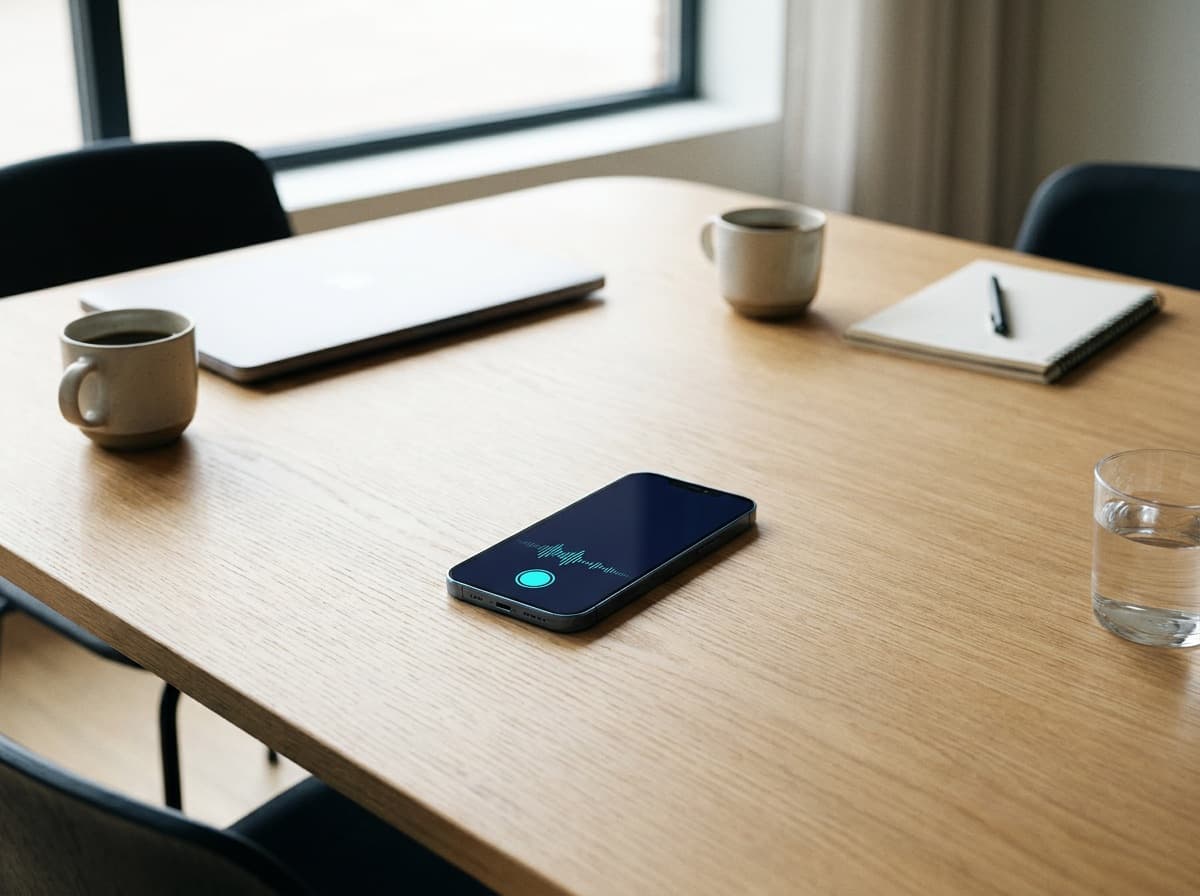
Stay in the discussion and leave with the decisions and who does what.
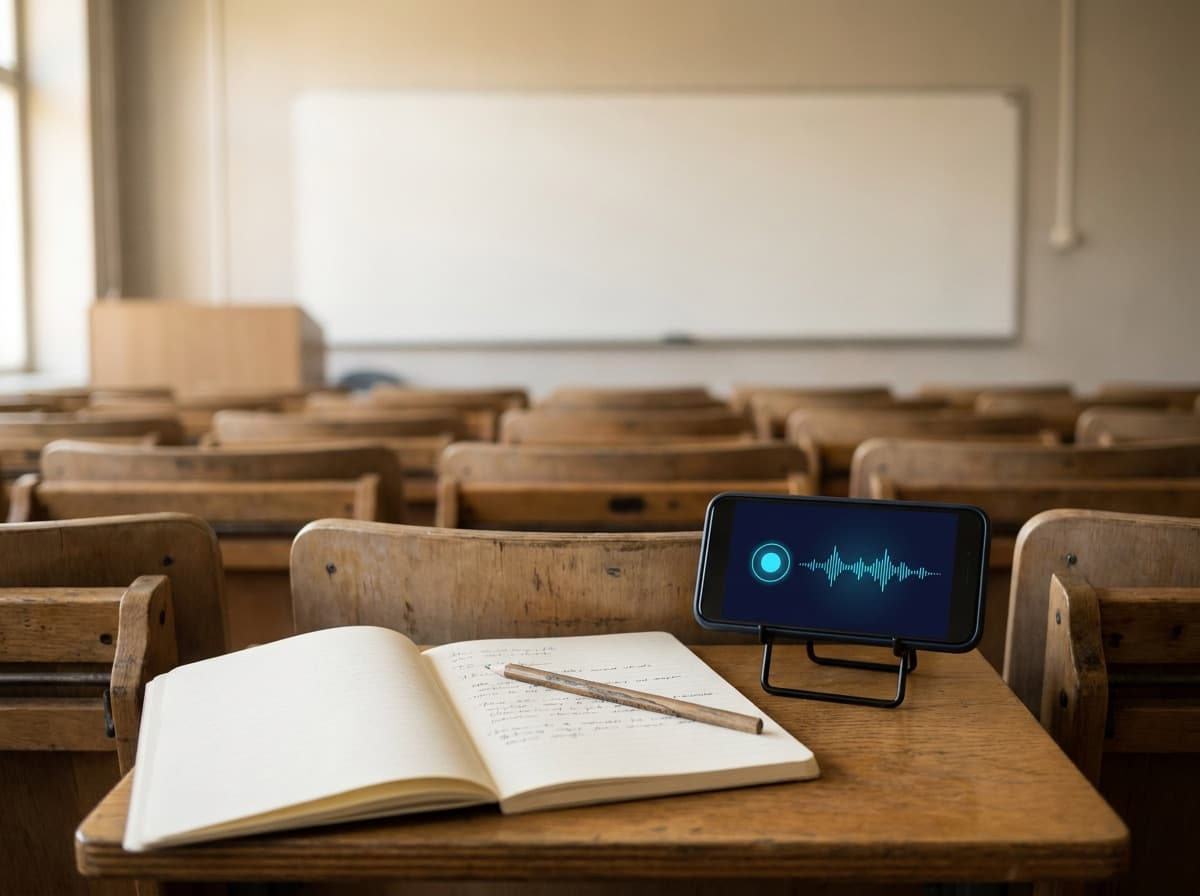
Listen to the lesson, then review it with the transcript, a quiz and flashcards.
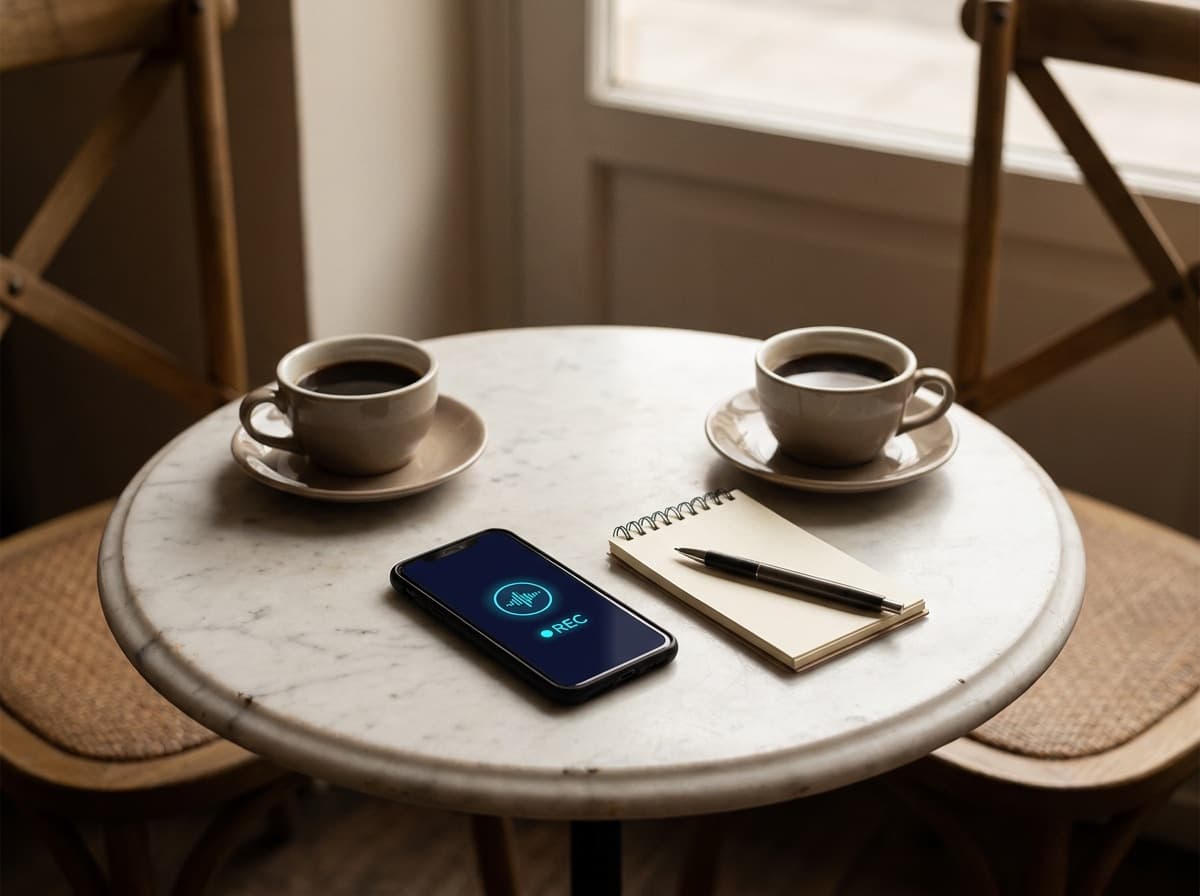
Keep eye contact and quote people exactly, with timestamps to check.
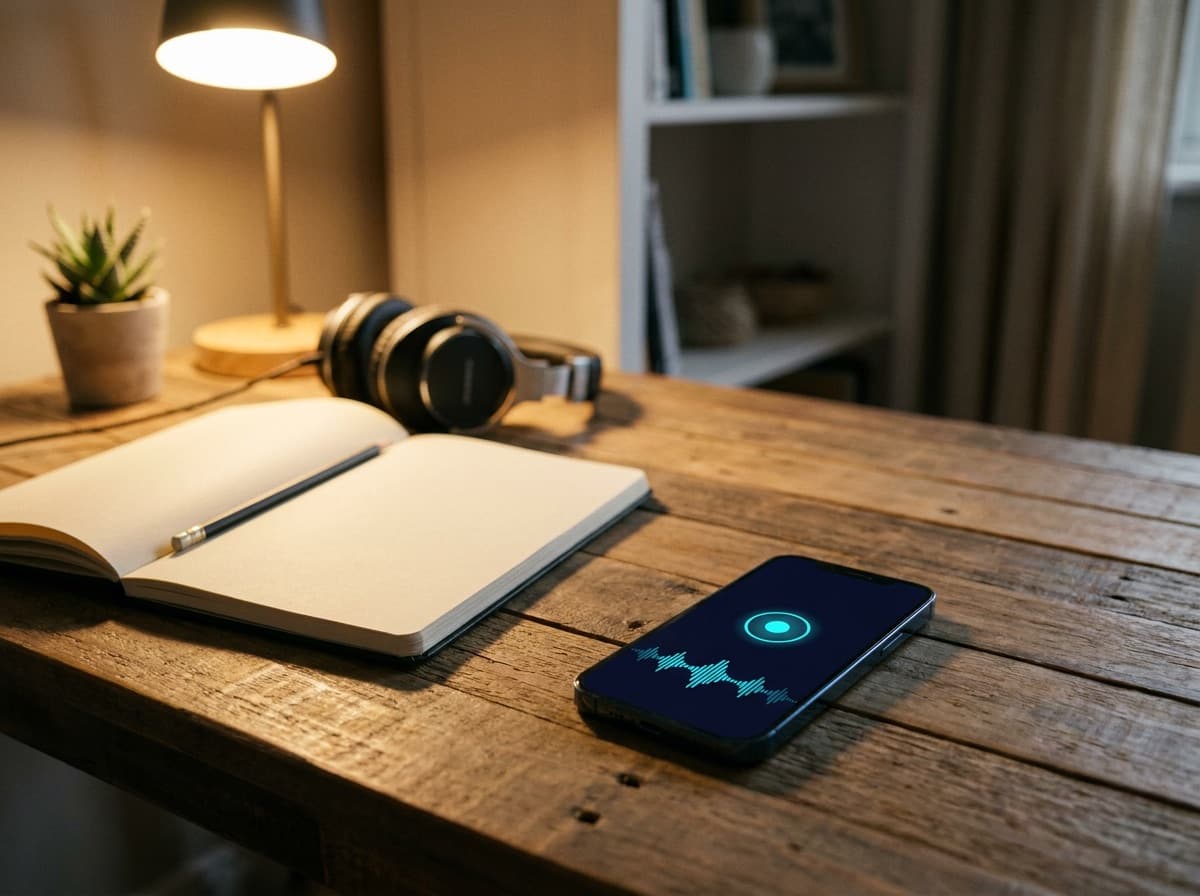
Think out loud and get your ideas back as an organized note.
Private by default
MicNoter records or imports a conversation and turns it into a note: a timestamped transcript, a short overview, key takeaways, decisions and action items. You can then ask the note questions, translate it, study it with quizzes and flashcards, export it or share it.
Yes. MicNoter is free to download and the free plan includes a monthly allowance of processing minutes. MicNoter Pro adds more processing minutes, longer recordings and larger imports, and the quiz, flashcard, translation and export tools.
No. In person, you record on your phone or computer. For an online meeting, MicNoter on the web records a browser tab or window you choose, with its audio when your browser supports it. Nothing joins the call.
Audio and video files, PDFs and other documents, and YouTube links. MicNoter turns each one into a searchable note with the same summary and tools as a recording.
MicNoter detects the spoken language automatically, or you can set your usual language in Settings. You can also translate a transcript into another language.
MicNoter is on Google Play for Android, and the iPhone app is coming soon to the App Store. You can also use it in your browser at micnoter.com, with the same account and notes.
Your notes are private to your account and are shared only when you share them. You can delete a note at any time, and delete your account and its data from Settings or by email.
Get MicNoter
For desktop
Record, import and review your notes on any computer. Your account and notes stay in sync with the app.
For mobile
Point your phone camera at the code. It opens the right store for your phone.
 App Store: Coming soon